Storefront and first sale
How to Deliver a Digital Product After Purchase (Without Sending a Single File)
Set up delivery once and every buyer gets their download automatically. The three pieces of delivery, a five-line email to send buyers, and a 10-minute checklist.
 By Tina Alexander
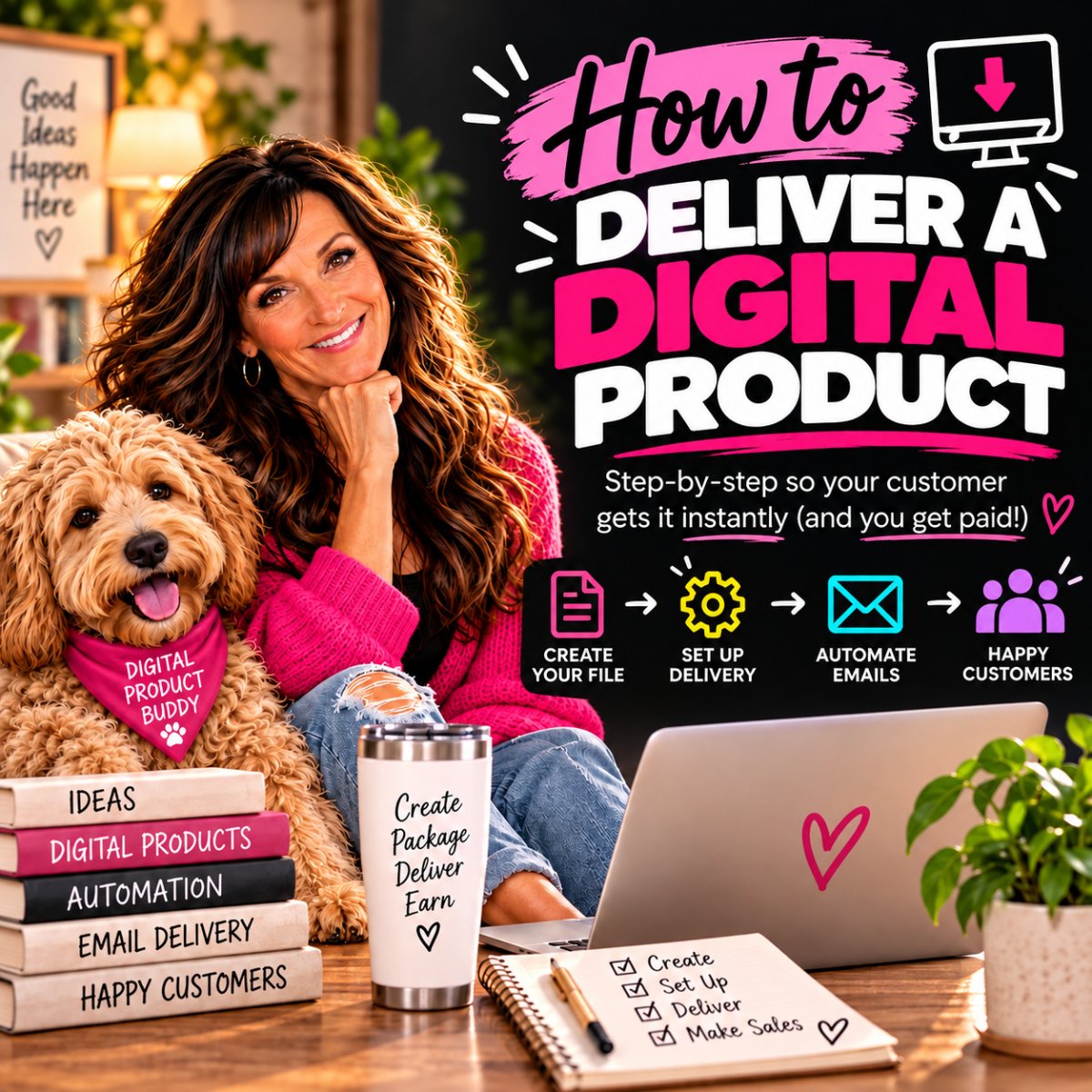
When my first sales came in, I sat there refreshing my Beacons page all day. One sale. Then another. Then about four. I could not believe it was real.
Here is the part I am most grateful for. I did not have to send a single file. Delivery and my after-purchase emails were already set up, so all I had to do was enjoy it.
Everyone teaches you how to make the product, how to price it and how to share the link. Almost nobody talks about the five minutes after someone pays. This article is about those five minutes, and how to set them up once so they run without you.
Key takeaways
- Delivery has three pieces: the download screen, the receipt email, and your own email.
- Set it up once in your storefront and it runs for every buyer, day or night.
- Your after-purchase email should sound like a person, not a receipt. Five lines is enough.
- Buy your own product before anyone else does, on your computer and on your phone.
- When a buyer says "I never got it," stay calm. It is almost always the spam folder.
What actually happens after someone pays you?
A lot of first-time sellers picture themselves emailing files out by hand, one buyer at a time. You do not need to do that, and you should not.
Most storefront platforms, including Beacons, handle delivery for you. You attach the file once. When someone pays, the platform shows them their download and emails them a copy. That happens whether you are at your desk, asleep, or watching the grandkids.
Your job is not to deliver each order. Your job is to set delivery up properly once, and then check that it works.
What are the three pieces of digital product delivery?
Every good delivery has the same three pieces. If one is missing, buyers get confused. If all three are there, it feels smooth and professional, even if you set it up at your kitchen table.
- The download screen. This is the page a buyer sees straight after they pay. It should say thank you and show a clear download button. Many platforms let you change the wording, so make it warm.
- The receipt email. Your platform sends this automatically. It confirms the payment and usually includes the download link, so the buyer can get the file again later.
- Your own email. This is the one most people skip. It is a short note from you, in your voice, that tells them what to do first. Mine goes out automatically after every purchase.
The first two are mostly done for you. The third is where you get to sound like yourself.
How do you set up automatic delivery?
The exact buttons change from platform to platform, but the steps are the same everywhere:
- Upload the final file. Not the draft, not the version with the typo you meant to fix. Give it a clear name, like your product name, so buyers can find it later.
- Check the file type. A PDF opens on almost any device. If your product is a link, such as an app or a Canva template, put the link inside a one-page PDF or in the delivery message.
- Edit the thank-you message. Swap the default wording for one or two friendly sentences.
- Turn on your after-purchase email. Paste in the email below and change the parts in brackets.
- Buy it yourself. More on that in a moment. Do not skip it.
If you have not picked a storefront yet, start with how to set up a simple online storefront. Come back here once your product is in it.
What should your after-purchase email say?
You do not need a long email. You need a kind one. Here are five lines you can copy and make your own:
Subject: Your [product name] is here
1. Thank you so much for buying [product name]. It means a lot.
2. Your download is right here: [download link].
3. Please save the file to your computer or phone now, so you always have it.
4. The best place to start is [one first step, like "page 3" or "the first prompt"].
5. If anything does not open, just reply to this email and I will sort it out.
Tina
Notice what is not in there. No upsell. No list of ten things to do. Just thank you, here it is, save it, start here, I am here if you need me.
This is where your age quietly works for you. You know how it feels to be thanked properly. You know the difference between a receipt and a note from someone who is glad you showed up. Write the note.
Why should you buy your own product first?
Because you are the only person who will not mind if something goes wrong.
Before you share your link with anyone, buy your product yourself. Many platforms let you make a free test order or use a 100% discount code. If yours does not, pay the real price. A few dollars is cheap for peace of mind.
Then go through it the way a buyer would:
- Does the thank-you screen say what you want it to say?
- Does the download button work, and does the file open?
- Does the receipt email arrive? Check your spam and promotions folders too.
- Does your own email arrive, with the right link in it?
Now do it again on your phone. A lot of buyers will open your email on a phone, and a file that opens fine on a laptop can behave differently on a small screen.
What do you do when a buyer says "I never got it"?
Sooner or later, someone will email you to say their download never arrived. It feels scary the first time. It is almost always simple to fix.
- Reply kindly and quickly. Thank them for letting you know and tell them you are on it. That alone calms most people down.
- Ask them to check spam and promotions. This solves most cases.
- Look up the order in your dashboard. Check that the email address was typed correctly. A small typo sends the file to nowhere.
- Send it again. Resend from your platform, or reply with the download link yourself.
- Test your delivery again. If two people have the same problem, buy your own product once more and see what they see.
A buyer who had a problem and got a warm, fast answer often trusts you more than one who never needed help.
The 10-minute delivery checklist
Run through this before you share your product link anywhere. It takes about ten minutes, and it saves you from the worst kind of first sale: the one where the buyer cannot open what they paid for.
- The final file is attached, not a draft.
- The file has a clear name buyers will recognize.
- The thank-you screen has your own wording.
- The download button works and the file opens.
- The receipt email arrives. You checked spam too.
- Your after-purchase email is turned on.
- Your email tells buyers to save the file and where to start.
- You bought it yourself, on your computer and on your phone.
All eight ticked? You are ready. Share the link.
Questions people ask about this
Do I have to send each digital product by hand?
No. Most storefront platforms deliver the file automatically the moment someone pays. You upload the file once and the platform does the rest for every buyer, day or night.
Should I send the file as an attachment or a link?
Let your platform handle it, which usually means a download button and a link in the receipt email. Big attachments can land in spam or bounce. A link is lighter and easier to resend.
What if my product is a link, not a file?
Put the link in a simple one-page PDF with a short welcome and how to get started, and deliver that PDF. You can also include the link in your after-purchase email so buyers can find it in their inbox.
How soon should I reply if someone has a problem?
Within a day if you can. You do not have to be on call. A quick, friendly reply matters more than a perfect one.
Am I too old to figure out the tech side of this?
No. You have run homes, jobs and holiday dinners for twenty. If you have ever set something up so it runs without you standing over it, you already have the skill. Automatic delivery is the same idea. It just lives online.
Set it once. Test it once. Let it run.
The five minutes after someone pays are part of your product. Get them right once, and every buyer after that gets a warm welcome without you lifting a finger.
Then you get to do what I did: sit back, refresh the page, and enjoy it.
Your age is not the thing holding you back. It is the reason you know how to treat people well. Let your delivery show it.