Quote pages and faceless content
Embedded Quote Images: How to Make Quotes Look Like Real Life
A quote written in the steam on a mirror, printed on a receipt, painted on a shop window. What embedded quote images are, why they stop the scroll, and how to make one that looks real.
 By Tina Alexander
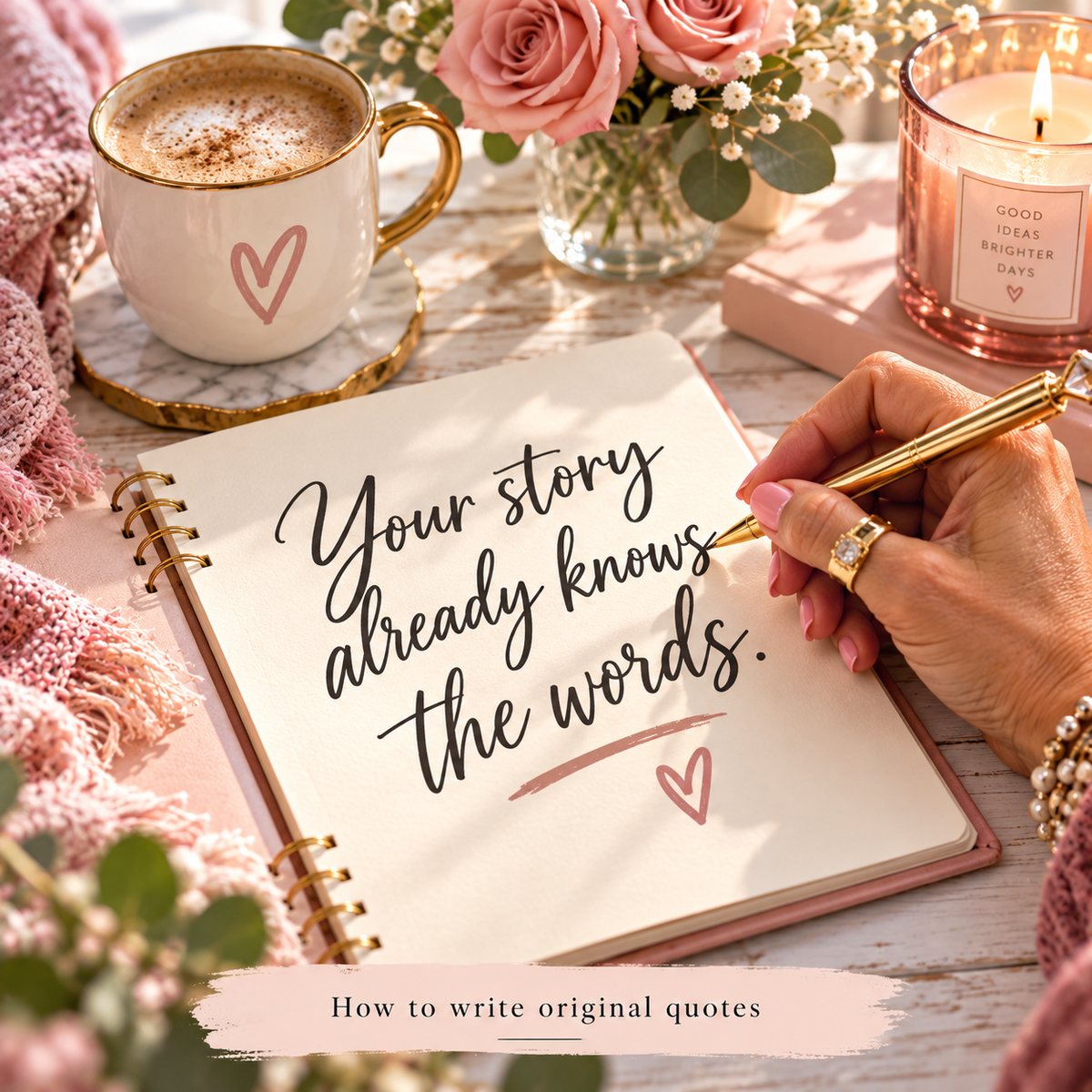
An embedded quote image puts the words inside a real-looking scene instead of on a flat background. The quote is written in the steam on a bathroom mirror, printed on a café receipt, painted on a storefront window. The eye reads it as a photo first and a quote second, and that half second is what stops someone scrolling.
To make one, match the surface to the feeling of the quote, keep the words short enough for that surface, and describe the scene in enough detail that it looks lived in rather than staged.
Real-looking images are the third of the three things that make a page stand out in how to start a quote page. The words come first, and how to write original quotes covers those. This is how to put them somewhere.
Why they work better than text on a background
A flat quote graphic announces itself. Beige square, script font, words in the middle. Most people have seen so many that they scroll past before reading a word.
An embedded image does not look like a quote graphic. It looks like something a person photographed, which is the kind of post people slow down for. By the time they realize it is a quote, they have already read it.
It also changes how the words feel. "You are allowed to rest" on a beige square is advice. The same line written in the dust on a car window is something somebody meant.
Match the surface to the feeling
The surface is not decoration. It is half the message.
- A fogged bathroom mirror is private and early in the morning. Good for things people say to themselves.
- A café receipt is ordinary and everyday. Good for small, true observations about daily life.
- A subway advertisement is public and bold. Good for lines that speak to a crowd.
- A tattoo is permanent. Good for lines someone would choose to carry forever.
- A hoodie sleeve or a coffee cup is personal and worn close. Good for comfort and encouragement.
- A storefront window or a vintage motel sign is a declaration. Good for short, confident statements.
Before you pick a surface, ask where a person would actually find these words. A quiet line about grief does not belong on a neon sign.
Fit the words to the surface
Real surfaces have real limits. A receipt holds a line or two. A motel sign holds a few words. A tattoo holds even fewer.
If the quote is too long for the surface, the image stops looking real, and the whole effect falls apart. So either cut the quote or choose a bigger surface, like a chalkboard, a letter or a page in a notebook.
Describe the scene, not just the object
This is where most embedded images go wrong. "A quote on a coffee cup" gives you a clean, floating, obviously fake cup.
What makes it look real is everything around the object. When you write the image prompt, describe:
- The setting. A kitchen counter at night, a train seat, a bathroom with the light still on.
- The light. Early morning through a window, a single overhead bulb, late afternoon sun.
- The wear. A coffee ring on the receipt, a scuff on the sleeve, streaks in the mirror steam.
- The angle. Slightly off-center, close up, as if someone took it on a phone.
- The exact words. In quotation marks, spelled the way you want them.
Imperfect is the goal. A scene that looks slightly lived in reads as real. A scene that looks perfect reads as an ad.
Check every letter before you post
AI image tools still get lettering wrong. A missing letter, a doubled one, a word that almost looks right.
Zoom in and read the quote in the image one word at a time before it goes anywhere. A spelling mistake in a quote image is the one thing people will comment on instead of saving it.
The tools I use
Grace & Grit Studio, the app I built, gives every one of its 1,000 quotes a copy-ready image prompt and scene ideas, along with the hooks, caption and hashtags for the post. It is $14.99 once, with no subscription.
For making the embedded images themselves, I use The Quote Edit, made by Amanda Murgenovich. It writes original quotes and turns them into hyper-realistic embedded quote images on almost any real-world surface. I used it to make Grace & Grit Studio. It is $27 and lives inside Amanda's Skool community, Quote Cash Club: after you buy, you request access there and send her your receipt by DM to unlock it. If you are already a VIP member, it is included. I am an affiliate with this product. I may receive a commission with your purchase at no additional cost to you.
Questions people ask about this
Do I need a camera or props?
No. Embedded quote images are generated from a description. Nothing has to be physically made or photographed.
Will people think the photo is real?
Some will, at first glance, and that is the point of the style. It is a creative format, like a poster, not a claim that someone really wrote on that mirror.
How many different surfaces should I use?
A handful that suit your page's feeling. Using the same few surfaces again and again becomes part of how people recognize your posts.
Do embedded images work on Pinterest?
They suit it well. Pinterest is built around saving images to come back to, and a quote that looks like a real photo is the kind of thing people save.