Free guide
Your First Little App
Build one small, useful thing without code. One sentence, eight prompts, and a list of what to leave out.
No sign-up. Read it, then go build.
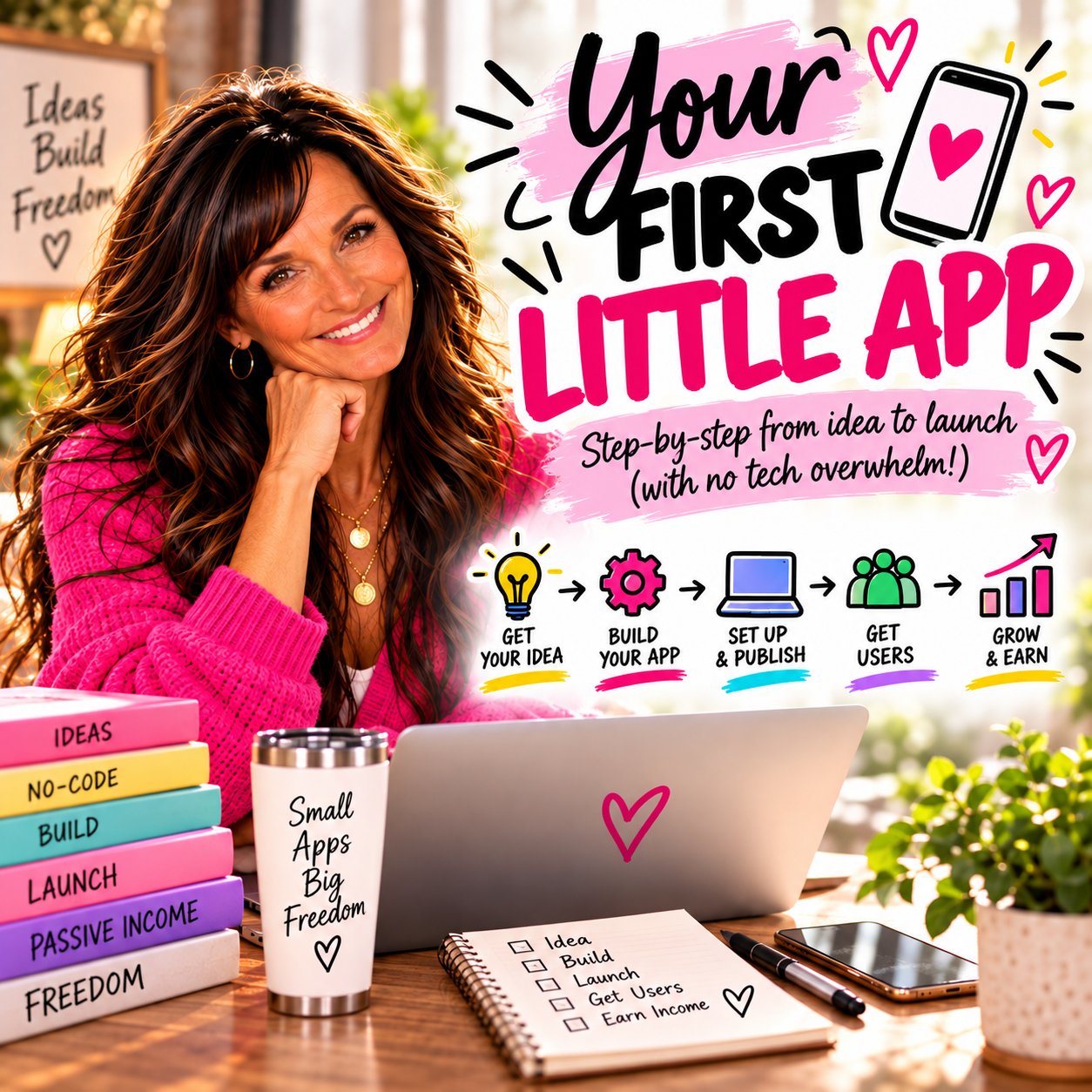
You don't need a developer. You need one sentence.
You've used software for twenty-five years. Banking apps. Booking forms. That clunky system at work you figured out when nobody else would.
Nobody ever told you that you could make one. You can. Today you describe what you want in plain words and an AI tool builds it while you watch.
I used to hand people PDFs. Now I build little apps instead, because people actually use them. My Blog and Pinterest planner was two PDFs before it became an app people tick through.
Your age is your advantage here. The hard part was never the code. It's knowing what's useful, what's confusing and what people actually need. You've spent decades learning that. New to AI? Start with how to use AI after 40.
Want the bigger picture first? Read can you build an app without code after 40?
1. Three apps a beginner can actually build
Pick the shape first. Every one of these is a single screen.
- 01The one-number calculatorA few boxes in, one answer out. "How many pages a day to finish my coloring book by Christmas?"
- 02The checklist that remembersTick things off and it's still ticked tomorrow. "My 7-day launch checklist."
- 03The quiz with one answerFive taps, one recommendation. "Which first product fits you?"
Not sure which? The checklist. It's the easiest to build and the easiest to share.
2. The one-sentence brief
Every good little app fits in one sentence: who it helps, what it helps them do, and how long it takes. If you can't say it in one sentence, it's two apps.
- ·It helps new quote page owners pick their first ten quotes in under five minutes.
- ·It helps grandparents plan a coloring book for each grandchild in under ten minutes.
- ·It helps first-time sellers tick off their launch week in under two minutes a day.
Try it here
Build your sentence
Before you build: post your sentence in the free community. It's much faster to fix a sentence than an app.
3. Eight copy-and-paste prompts
Use them in order the first time. I build mine in Lovable and Claude. Pick one and stick with it. See Your First Five Tools for why.
Prompt 1
Help me write my one-sentence brief
Before you build anything. Paste into Claude.
I want to build a small, simple web app. I have never built one before. Ask me three questions, one at a time: who it is for, what it helps them do, and how many minutes it should take to use. Then write me one short sentence that says all three. Keep it plain. No tech words.
Prompt 2
The first build
Paste into Lovable or Claude, then paste your brief on the line underneath.
Build me a simple, one-page web app from the brief below. Keep it to one screen if you can. Use big, easy-to-read text, at least 18px, and large buttons. No login, no payments, no database. If the user types or ticks anything, save it in the browser so it is still there when they come back. My brief:
Prompt 3
Something is not working
When a button does nothing or something looks wrong.
Something in this app is not working. Ask me what I clicked and what I expected to happen. Then fix only that one thing. Do not change anything else.
Prompt 4
Make it work on a phone
Most people will open your link on their phone.
Make this app work well on a phone. Nothing should run off the side of the screen. Buttons should be easy to tap with a thumb. Text should be readable without zooming. Keep everything else the same.
Prompt 5
Put my colors on it
Once it works. Not before.
Ask me for my brand colors and my two fonts. Then restyle the app with them. Keep plenty of white space. Do not change how anything works.
Prompt 6
Make the words clearer
Your words matter more than your design.
Read every word on the screen as if you are 60 and new to apps. Rewrite any label, button or instruction that is unclear. Short sentences. No tech words. Show me the changes before you make them.
Prompt 7
Add a copy button
If your app gives people a result they will want to use somewhere else.
Add a Copy button next to the result so people can paste it anywhere. When they tap it, show a small "Copied" message for two seconds.
Prompt 8
Check it before I share it
Last step. Every time.
Test this app like a first-time visitor who has never seen it. List anything confusing, broken or missing, smallest fix first. Do not change anything until I say go.
4. The Skip List
Six things version one does not need. Every one of them can come later.
- 01Logins and accountsLet people open the link and use it. The browser can remember their ticks.
- 02PaymentsGive the first one away. Learn what people use before you charge for it.
- 03A databaseIf nobody else needs to see a person's answers, you don't need one.
- 04A custom domainThe link your builder gives you is fine. Nobody has ever refused to tap a link.
- 05A second featureOne screen, one job. Write the other ideas down for version two.
- 06Perfect designClear beats pretty. Put your colors on it at the end, with prompt 5.
5. The "Is It Done?" Test
Four questions before you show anybody. Write them on a sticky note.
- 1Does it do the one thing in my sentence?
- 2Can someone use it without me explaining it?
- 3Does it work on my phone?
- 4Would I use it myself this week?
Four yeses and it's done. Not perfect. Done. Done gets shared.
6. Where to put it
An app nobody sees is a hobby. Give it three homes.
- 01On a blog postWrite one post about the problem your app solves and link the app inside it.
- 02On a pin or a postShow a screenshot and say what it does in one line. Need ideas for what to post? Try The Late Starters Advantage.
- 03In the communityShare the link and ask people to try it. You'll find out in a day what you'd never spot alone.
7. My honest note
I started building on an iPad. I moved to a computer because I needed more memory and the iPad couldn't run the Chrome extensions I wanted. Start on what you have. Move when it slows you down.
What I'd tell myself: every time I tried to build the big version first, I stalled. Every time I built the small one, people used it. Small and shared beats big and stuck on your computer. Want the full list of what I use? Read online business tools after 40.
You are not too old. You are not too late.
Want a second pair of eyes before you share it? Come ask in the free community.
Join the free community