Apps without code
Can You Build an App Without Code After 40?
Yes. You describe it in plain words and an AI tool builds it. Here is what a first app looks like, what to leave out, and how to build one small useful thing this week.
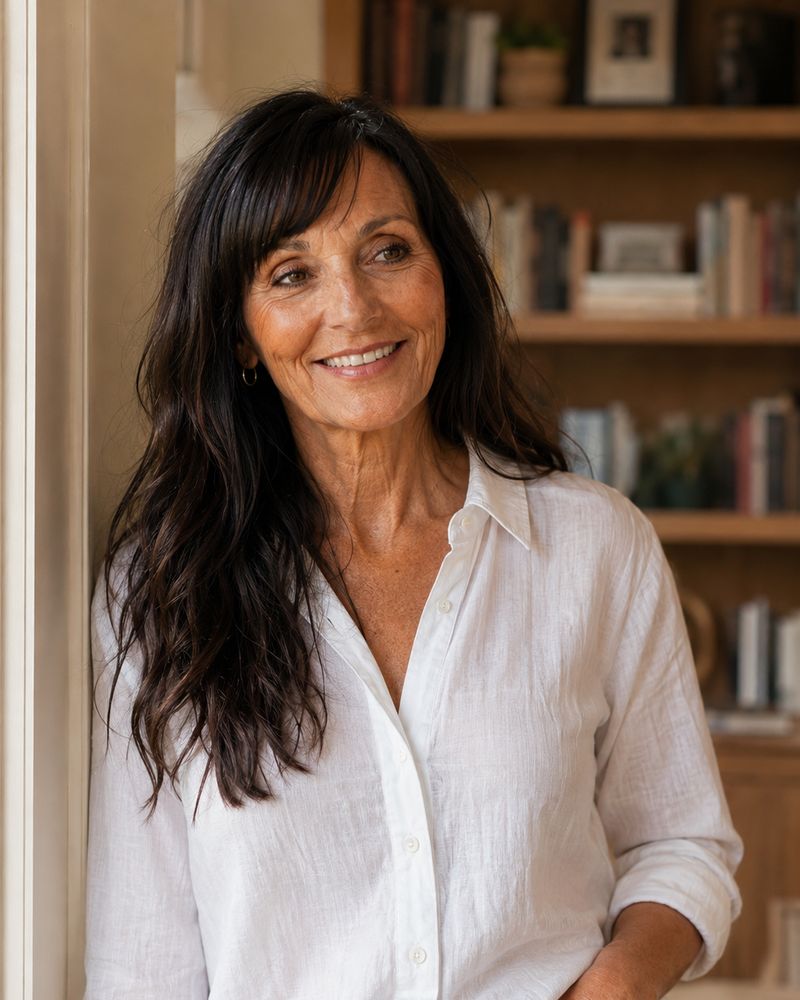 By Tina Alexander

Yes, you can. You don't need to learn code, hire a developer or take a year-long course. Today you type what you want in plain sentences, and an AI tool builds a working app while you watch. Your first one should be small: one screen, one job, built in an afternoon.
I started building my online business at 57. I'm 60 now. For a long time I handed people PDFs. Then I started turning them into little apps people could tap through, and everything changed. People actually used them.
I'm not a developer. I'm a grandmother with a Diet Coke and a laptop. If I can do this, so can you.
Key takeaways
- You can build a simple, useful app without writing code by describing it to an AI tool in plain words.
- Your first app should do one job on one screen. A calculator, a checklist or a short quiz.
- Version one doesn't need logins, payments, a database or a custom domain.
- The hard part isn't the tech. It's knowing what people need, and that's where your years count.
- Write one sentence about what your app does before you build anything.
Why does building an app feel impossible after 40?
Because for most of our lives, it was.
Apps were made by people with computer science degrees, in offices, with budgets. If you wanted one, you hired someone and paid a lot. So we learned a quiet rule: apps are something you use, not something you make.
Then there's the word itself. "App" sounds big. It sounds like something in the App Store with millions of downloads. When people over 40 tell me they could never build an app, that's usually what they're picturing.
That's not what I'm talking about. I'm talking about a little web page that does something useful. A checklist that remembers your ticks. A box where you type two numbers and get an answer. You open it with a link, on your phone or your computer. No download.
I spent years paying for courses and tools that promised to make me "techy." None of them did. What finally worked was skipping the tech lessons and just describing what I wanted, one small thing at a time.
What changed? Can AI really build an app from plain English?
It can, and this is recent.
In early 2025, AI researcher Andrej Karpathy gave it a name: "vibe coding." You describe what you want, the AI writes the code, and you judge the result by whether it works, not by reading the code. By November 2025, Collins Dictionary had made "vibe coding" its Word of the Year. It went from a phrase to an everyday thing in a few months.
Tools like Lovable and Claude now let you type something like "build me a checklist for my launch week that remembers what I've ticked" and get a working version back. Then you say what you'd change, in plain words, and it changes it.
That's the whole skill. A conversation. You already know how to have one. If you're brand new to AI, start with how to start using AI after 40 and come back.
Are people over 40 really ready for this?
More than the internet would have you believe.
AARP's 2026 tech trends report found that 90% of adults 50 and older now own a smartphone, up from 55% in 2016. The same survey found AI use among adults 50-plus rose from 18% in 2024 to 30% in 2025. We're not watching from the sidelines. We're already here.
Here's the number that caught my eye, though. In that same report, three in five adults 50-plus said technology isn't designed with their age in mind.
Read that again. Most of the apps we use every day weren't built for us. Tiny text. Confusing buttons. Twelve steps where two would do.
Who do you think is best placed to fix that? Someone who knows exactly how it feels to squint at a screen and give up.
And if you're worried you've missed the window, look at the research on who actually succeeds. A study by researchers from MIT, Northwestern and the U.S. Census Bureau looked at founders of new businesses and found that among the fastest-growing new companies, the top 1 in 1,000, the average founder was 45 at launch. The authors put it plainly: successful entrepreneurs are middle-aged, not young. They also found that experience in the field was one of the strongest predictors of success.
Experience. That's the thing you have more of than anyone half your age. (If that question is still nagging at you, read is it too late to start an online business at 50 or 60?)
The real job isn't code. It's knowing what's useful.
This is the part I wish someone had told me at 57.
AI can write the code. It cannot tell you what's worth building. It doesn't know that a beginner gets stuck on step three. It doesn't know that your reader will open the link on her phone in a waiting room. It doesn't know that "submit" scares people and "show me my answer" doesn't.
You know those things. You've spent decades being the customer, the employee, the mother, the one who explained the new system to everyone else at work. That's product knowledge. Nobody called it that, but it is.
So I think of building an app in two halves. The AI does the building. You do the knowing. The knowing is the hard half, and you're already good at it.
That's why your age is the advantage here, not the obstacle. Younger builders can spin up an app in an hour. Plenty of those apps are clever and useless. A small app that solves one real problem for one real person beats them every time.
What does a first app actually look like?
Mine weren't fancy. One of the apps in my community started life as two PDF planners for blogging and Pinterest. Now it's a checklist people tick through, and it remembers where they got to. Same information. Completely different experience.
That's the shift I want for you. Not a big app. A small one that turns something you already know into something people can use.
There are three shapes I'd start with, because each one fits on a single screen:
- The one-number calculator. A few boxes in, one answer out. "How many pages a day do I need to finish my coloring book by Christmas?"
- The checklist that remembers. Tick things off and they're still ticked tomorrow. "My 7-day launch checklist."
- The quiz with one answer. Five taps, one recommendation. "Which first product fits you?"
If you can't decide, pick the checklist. It's the easiest to build and the easiest to share.
And here's my honest bit. Every time I tried to build the big version first, I stalled. Every time I built the small one, people used it. Small and shared beats big and stuck on your computer.
How do you build your first app without code? 6 steps
- Write one sentence first. Say who it helps, what it helps them do, and how long it takes. For example: "It helps new quote page owners pick their first ten quotes in under five minutes." If you can't say it in one sentence, it's two apps.
- Pick one builder and stick with it. I use Lovable and Claude. Choose one and don't switch for a month. Switching tools is how weeks disappear. Here's why I keep my tool list short.
- Paste your sentence with a simple build request. Ask for one page, big easy-to-read text, large buttons, and no login, payments or database. Ask it to save what people type in the browser so it's still there when they come back.
- Fix one thing at a time. When something breaks, say what you clicked and what you expected. Then ask it to fix only that, and change nothing else. This one habit saves hours.
- Make it work on your phone. Most people will open your link on their phone. Check it there before anyone else does.
- Run the "is it done?" test. Does it do the one thing in your sentence? Can someone use it without you explaining it? Does it work on your phone? Would you use it this week? Four yeses and you're done.
Notice what's not on the list. Logins. Payments. A custom domain. A logo. Version one doesn't need any of them. The link your builder gives you is fine. Nobody has ever refused to tap a link.
Once you're comfortable and want to go further, I learned to build my own apps and websites with Claude inside Claude Code Club. That's where I'd send you next.
This is an affiliate link. I only recommend what I've used myself.
Your next small step
I put everything above into a free guide called Your First Little App. It has a sentence builder that writes your first prompt for you, eight copy-and-paste prompts in the order you'll need them, the full skip list, and the four-question test. No sign-up.
Get Your First Little App, free
Questions people ask about this
Do I need to know how to code to build an app?
No. Tools like Lovable and Claude write the code for you. You describe what you want in plain sentences, look at what it builds, and say what to change. You judge the app by whether it works, the same way you'd judge a recipe by tasting it.
How long does it take to build a first app?
A small, one-screen app can be working in an afternoon. Most of your time goes into deciding what it should do and testing it on your phone. Keep version one to a single job and you'll finish. Try to build everything at once and you probably won't.
Do I need to pay for an app builder?
Not to start. Most AI builders let you try them for free, which is enough to make a first small app. Pay only when you're building every week and the free version is slowing you down. Don't buy a plan for an app you haven't built yet.
What if I build it wrong and break something?
You can't break anything that matters. The worst that happens is a version that doesn't work, and you ask the AI to fix it or go back a step. Ask it to change one thing at a time and you'll always know what changed.
Is a little web app really an app?
Yes. If people open it, use it and get something done, it's an app. It doesn't need to be in the App Store. A web app opens from a link on any phone or computer, with nothing to download, which makes it easier to share, not harder.
You're not too late to build
For most of our lives, apps were made by other people. Somebody younger, somewhere else, who didn't know what we needed.
That's over. The tools now speak plain English, and the hard part is the part you've been practicing for decades: noticing what people need and making it simpler.
So don't start with the big idea. Start with one sentence. One screen. One small thing that helps one person.
You are not too old. You are not too late. Build.