AI without the overwhelm
AI for Beginners Over 40: The Complete No-Overwhelm Guide
A plain, honest guide to using AI after 40. Pick one tool, learn five prompts, and use it for real work in your business this week. No hype, no jargon.
 By Tina Alexander
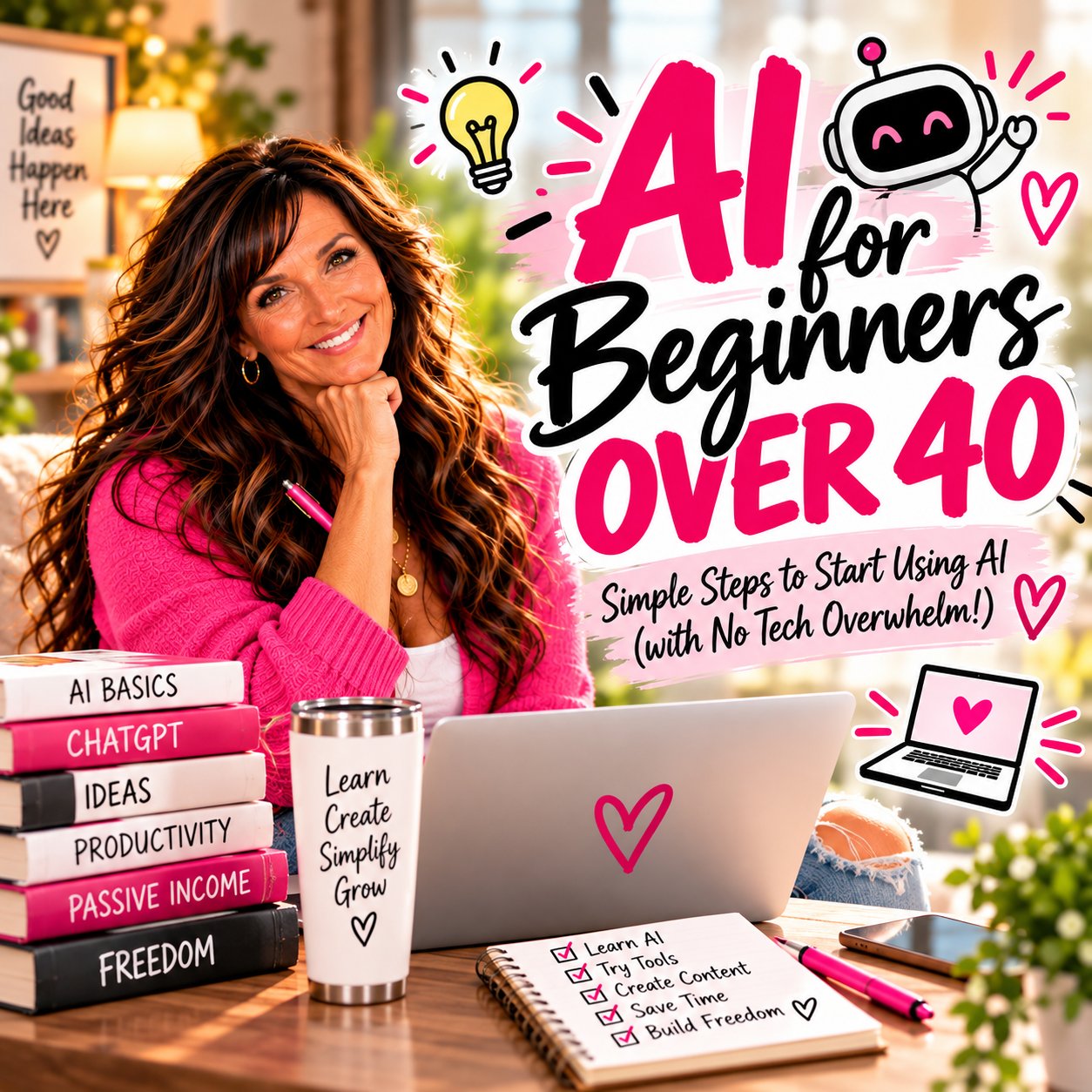
You can learn to use AI after 40, and you can do it in a week. Pick one tool. Hand it five jobs you already do. Learn one simple way to ask. That's the whole beginner's course. Everything else is noise you can ignore.
The first time I tried AI, I typed one vague line, got back a pile of generic mush, closed the laptop and decided it wasn't for me.
I was wrong about that. I started building my online business at 57. I'm 60 now, and I use AI every single day to write, plan and build. Nothing about me changed. What changed was how I asked.
This guide is everything I wish someone had handed me that first day. Plain words. No hype. Read it in order, or jump to the part you need.
Key takeaways
- You don't need to understand how AI works to use it well. You need to know how to brief it.
- Start with one tool. Claude, ChatGPT or Gemini are all fine. The habit matters more than the brand.
- Use AI first on work you already do every week, so you can tell when the answer is good.
- A good prompt has four parts: who you are, what you want, who it's for, and how you want it back.
- AI makes things up sometimes. Your years of judgment are what catch it.
Being new to AI at 50 isn't the problem you think it is
It feels like everyone else figured this out years ago. They didn't.
In early 2026, Pew Research Center found that 42% of Americans aged 50 to 64 had ever used an AI chatbot, up from 25% in 2024. For people 65 and older, it was 23%. So if you've never tried it, you're in the majority, not the minority.
Here's the number I find more interesting. In the same survey, only 12% of people aged 50 to 64 said they felt extremely or very confident using chatbots. Most people who've tried AI still feel unsure about it.
That tells me the problem isn't age. It's that nobody explained it plainly. Most AI advice online is written by people who love technology, for people who love technology. It's full of tool names and shortcuts and "10x your output." No wonder so many of us opened it once and closed it again.
And here's what nobody says out loud. You're walking in with something younger users don't have. Decades of knowing how people think, what customers actually want, and when something sounds off. AI can write fast. It can't tell when an answer is wrong for real life. You can.
If you're still wondering whether you've left it too late for the business side of things, read is it too late to start an online business at 50 or 60? Then come back. The short answer is no.
What is AI, in plain words?
When people say "AI" right now, they usually mean a chatbot. It's a box you type into, like a text message. You ask for something in ordinary sentences, and it writes back.
It learned to write by reading an enormous amount of text. So it's very good at words: drafting, rewording, summarizing, listing ideas, explaining things simply, and turning messy notes into something tidy.
It is not a search engine, even though it looks like one. A search engine finds pages that already exist. A chatbot writes a fresh answer every time, based on patterns. That's why it can be brilliant one minute and confidently wrong the next.
The best way I've found to think about it: AI is a brand-new assistant. Clever, fast, keen to help, and completely new to your business. It knows a lot about the world and nothing about you. If you give it a one-line instruction, you'll get a one-line effort. If you brief it properly, it can surprise you.
That one shift, from search box to new assistant, is the whole difference between my first mushy try and how I use it now.
Which AI tool should a beginner start with?
Pick one and ignore the rest for a month.
I use Claude. It's where I write, plan and build most of my business, and it's the one I'd hand to a friend first because it talks like a person. ChatGPT and Google's Gemini work well too. All three have free versions that are plenty to learn on.
Every week there's a new AI tool with a new name and a new promise. You don't need them. Switching tools is how weeks disappear. One tool, used every day, will teach you more than ten tools tried once.
Wondering what else you actually need to run a small online business? Here are the only five tools I'd start with, and what to cancel.
Your first real conversation with AI (15 minutes)
Here's how to get started today. You don't need a new computer. Your phone works too.
- Go to the tool's website and sign up for the free plan. Use the email you check most. That's it for setup.
- Bookmark it. On your phone, add it to your home screen so it sits next to your other apps.
- Introduce yourself. Your first message isn't a question. It's a briefing. Copy this one and change the details to match your life:
I'm 58 and I'm starting a small online business sharing what I learned in 25 years of running a busy household and working in retail. I'm new to AI. Please explain things simply and ask me questions when you need more detail. To start, ask me five questions about my experience, one at a time, then suggest three simple things I could share online.
Answer its questions like you'd answer a friend. Then read what it suggests. You'll notice something: the answers are about you, not about some imaginary business. That's what a briefing does.
When I started, I built everything on my iPad. It's what I had, and it worked. Later I needed more memory and wanted Chrome extensions, so I moved to a computer. Start with what's already in your hands.
The five jobs to hand AI first
Don't start with "build me a business." Start with things already on your plate. When you use AI on work you already know how to do, you can instantly tell whether the answer is any good. That's how confidence grows.
- The email you keep putting off. A follow-up, a polite no, a thank-you. Tell it who it's to and how you want to sound.
- Messy notes into a clean list. Paste your scribbles, voice notes or half-sentences and ask for a tidy, ordered checklist.
- The post you keep rewriting. Give it your rough version and ask for three shorter ones in your own plain voice.
- Ideas from your experience. Tell it your work and life history and ask what people would want to learn from it. You'll be surprised what counts.
- Explain something to me. A confusing term, a tax letter, a setting on a website. Ask it to explain like you're a smart friend who's new to the topic.
Do one of these a day for a week and you'll have used AI more than most people ever will.
How to write a prompt: the four-part shape
A prompt is just the message you type in. It sounds technical. It isn't. It's instructions, the same as you'd give anyone helping you.
Every good prompt I write has four parts:
- Who the AI should be. "You're a copywriter who writes for small gift shops."
- What you want. "Write a short description for my new coloring book."
- The details only you know. "I'm 60 and I sell coloring books for grown-ups. It's for women who want a calm, screen-free hour in the evening."
- How you want it back. "Under 100 words. Warm, not salesy. Give me two versions."
Put those four together and you get something useful on the first try. Leave them out and you get mush. I know, because I got mush.
Want the slow, step-by-step version? Here's the four-part AI prompt, with a full before-and-after.
Then comes the part most people skip: talk back. "Shorter." "Too formal." "That doesn't sound like me, use simpler words." "Give me three more." That back-and-forth is the real skill, and you've been doing it your whole life. It's just a conversation.
Ten copy-and-paste prompts for your online business
Each one is ready to use as it is. Where it needs details, it asks you for them, so there's nothing to fill in.
1. Find what you already know
I'm over 40 and starting an online business. Ask me ten questions, one at a time, about my work, my hobbies and the things people ask me for help with. Then tell me the three topics I know most about that other people would value.
2. Turn knowledge into a first product idea
Based on everything I've told you, suggest five small digital products I could make in a weekend, like a checklist, a planner or a short guide. For each one, tell me who it's for and the one problem it solves. Keep it simple.
3. Write in my voice
I'm going to paste three things I've written. Study how I write: my sentence length, the words I use, how I sound. Describe my voice back to me in five bullet points. From now on, write everything for me in that voice. Here they are:
4. The post I keep rewriting
Here is a rough social media post. Give me three shorter versions in my voice. Each one should start with a line that makes someone stop scrolling, and none of them should sound like an advert.
5. A product description that doesn't sound pushy
Ask me what my product is, who it's for and what changes for them after using it. Then write a warm, plain product description under 120 words. No hype words, no fake urgency, no exclamation marks.
If descriptions are your weak spot, read how to write a product description that sells when you hate sounding pushy.
6. A friendly email to my list
Ask me what's happened in my business this week. Then write a short, friendly email to my subscribers that shares one small lesson from it, the way I'd tell a friend over coffee. End with one simple question they can reply to.
7. Plan my week
Ask me how many hours I have this week and what I'm working toward. Then give me a simple plan with one task per day, smallest first. Nothing that takes more than an hour.
8. Ideas for what to post
Ask me what my business is about and who it's for. Then give me 14 post ideas for the next two weeks: some useful tips, some personal stories, some questions for my audience. One line each.
9. Explain it simply
Explain this to me like I'm a smart friend who's new to the topic. Use plain words, a real-life example, and keep it under 150 words. Then ask me if I want more detail.
10. Check my work
Read what I'm about to paste as if you were my ideal customer seeing it for the first time. Tell me what's confusing, what's missing and what sounds untrue. Smallest fixes first. Don't rewrite it yet.
Want twelve more, in the order you'll need them? I put them in a free starter pack called AI Without the Overwhelm. It walks you from "what do I even know?" to your first simple digital product. No blanks to fill in.
Where AI gets it wrong, and why your judgment catches it
AI sounds sure of itself even when it's wrong. It can invent facts, mix up dates, misquote people and write something that sounds lovely but means nothing.
This isn't a small thing. In 2023, two New York lawyers and their law firm were fined $5,000 after filing a legal brief that cited court cases ChatGPT had made up. The cases sounded real. They didn't exist. Nobody checked.
That's where your years earn their keep. You've spent decades reading people, spotting nonsense and trusting your gut. Use all of it.
- Check any fact you'll share publicly. Numbers, dates, names, quotes, laws, medical or money claims. Look them up somewhere you trust.
- Distrust anything too polished. If it sounds like an advert, rewrite it in your own words.
- Watch for invented stories. AI will happily write "when I first started" stories that never happened to you. Never publish a story that isn't yours.
- Ask it to show its doubts. Add "tell me which parts of your answer you're unsure about." It helps more than you'd think.
AI is the assistant. You're still the one in charge, and the one whose name is on it.
Do you have to tell people you used AI?
Sometimes you have to, and it's always worth being honest.
On some platforms it's a rule. If you publish books on Amazon KDP, Amazon asks you to tell it when text, images or translations were generated by AI. Using AI to help you brainstorm, edit or polish your own work is treated differently. I wrote a full guide to disclosing AI content on Amazon KDP, because getting it wrong there can cost you your account.
Outside of rules, my own approach is simple:
- My ideas, experience and stories are mine. AI helps me get them onto the page faster.
- If an image is AI-made, I don't pretend it's a photo. The avatar of me on my site and graphics is AI-generated, and I'm happy to say so.
- I never use AI to fake reviews, results, testimonials or numbers. Not once, not "just as a placeholder."
People over 40 can smell fake from a mile away. Honesty is your edge. Keep it.
What not to let AI do for you
AI is a brilliant helper. It's a poor replacement for you. Here's what I never hand over:
- Your stories. Your lived experience is the whole reason people will listen. AI can tidy it. It can't invent it.
- Your final yes. Read everything before it goes out. Every email, every post, every product page.
- Your relationships. Replies to real people deserve real you. Use AI to draft, then make it yours.
- Private details. Don't paste passwords, bank details, other people's personal information or anything you wouldn't want stored.
- Big decisions about health, money or the law. AI can help you understand a letter or prepare questions. A qualified person makes the call.
Your 7-day AI starter plan
Fifteen minutes a day. One small thing at a time.
- Day 1: Set up and introduce yourself. Sign up for one tool, bookmark it, and send the briefing message from earlier.
- Day 2: The email you've been avoiding. Use the four-part shape. Then talk back until it sounds like you.
- Day 3: Messy notes into a list. Paste your to-do scribbles and ask for a clean, ordered checklist.
- Day 4: Find what you know. Use prompt 1 and answer its ten questions honestly.
- Day 5: Teach it your voice. Use prompt 3 with three things you've written.
- Day 6: Write one post. Use prompt 4, pick your favorite version, and fix any line that doesn't sound like you.
- Day 7: Check its work. Ask it about a fact you already know well. Notice what it gets right and what it gets wrong.
By the end of the week you'll know more about using AI than most people who've "tried it once." Once you're comfortable, AI can do far more, including building small apps for you. Here's how to build an app without code after 40. For a gentler first step, start with how to start using AI after 40.
And if you want company while you learn, come and show me your first prompt in the free Digital Business After 40 community. Everyone there started somewhere.
Questions people over 40 ask about AI
Am I too old to learn AI?
No. If you can send a text message, you can use AI. You type what you want in plain words and it answers. Pew Research found that 42% of Americans aged 50 to 64 have already tried a chatbot. The learning curve is short. Confidence comes from using it on small, familiar tasks every day.
Do I have to pay for AI tools?
Not to start. Claude, ChatGPT and Gemini all have free versions that are more than enough for a beginner. Pay only when you're using it every day and the free limits are slowing down real work. Don't buy a plan for a habit you haven't built yet.
Is it cheating to use AI in my business?
No more than using spell check or a calculator. The ideas, the experience and the judgment are yours. AI helps you get them out of your head and onto the page faster. Where a platform requires it, like Amazon KDP, tell people what AI made, and never publish a story that isn't yours.
What if AI gives me wrong information?
It sometimes will, so check anything you'll share publicly, especially facts, numbers, names and quotes. Ask it which parts of its answer it's unsure about. Treat its answers as a first draft from a keen new assistant, never as the final word.
Which is better for beginners, ChatGPT or Claude?
Both are good. I use Claude because it writes in a warm, natural way and I build most of my business there. ChatGPT is just as easy to start with. Pick one, use it for a month, and only then decide whether you want to try another.
You're not behind. You're early.
That first day, I typed one vague line, got mush back and closed the laptop. I thought AI wasn't for people like me.
It turned out AI wasn't the problem, and neither was my age. I just hadn't been shown how to ask.
Now you have been. One tool. Five jobs. Four parts to every prompt. And thirty-odd years of judgment that no chatbot can copy.
Open it today. Type one honest sentence about who you are. See what happens.
You are not too old. You are not too late.